

Installer Setup Tool with Backlight
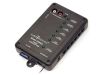
Installer Setup Tool
Model 1550AKey Features:
- High contrast, backlit, LCD screen enables installer to navigate programming menu
- Connects via Cat 5 cable to a special port on the bottom of any Counter Station
- Compatible with 1500 and 1580* series
- Tough, flame retardant plastic housing
- Dimensions: 5.61 in x 3.24 in x 1.38 in
Categories: Intercom, Intercom Accessories
 1500B
 1500A


Q: Why does the 1550A Setup Tool show strange characters?
A: If you are connecting the 1550A to a 1500AH, connect the Cat 5 cable to the base of the Counter Station first, then make sure the handset is on the cradle before you connect the 1550A Setup Tool. If you still see strange characters on the 1550A, you may need to cycle power on the 1500AH before re-connecting the 1550A.
Q: I want Program Audio to play only when customers are on hold, not when lanes are idle. How should I set Program Audio Abate?
A: Turn ON "Abate" to prevent program audio from playing while lanes are idle.
Series 1500 Menu Tree
Below is the current menu tree for the Series 1500 Intercom System.
See individual product manuals to find menu trees for Series 1580 and the Model 1533.
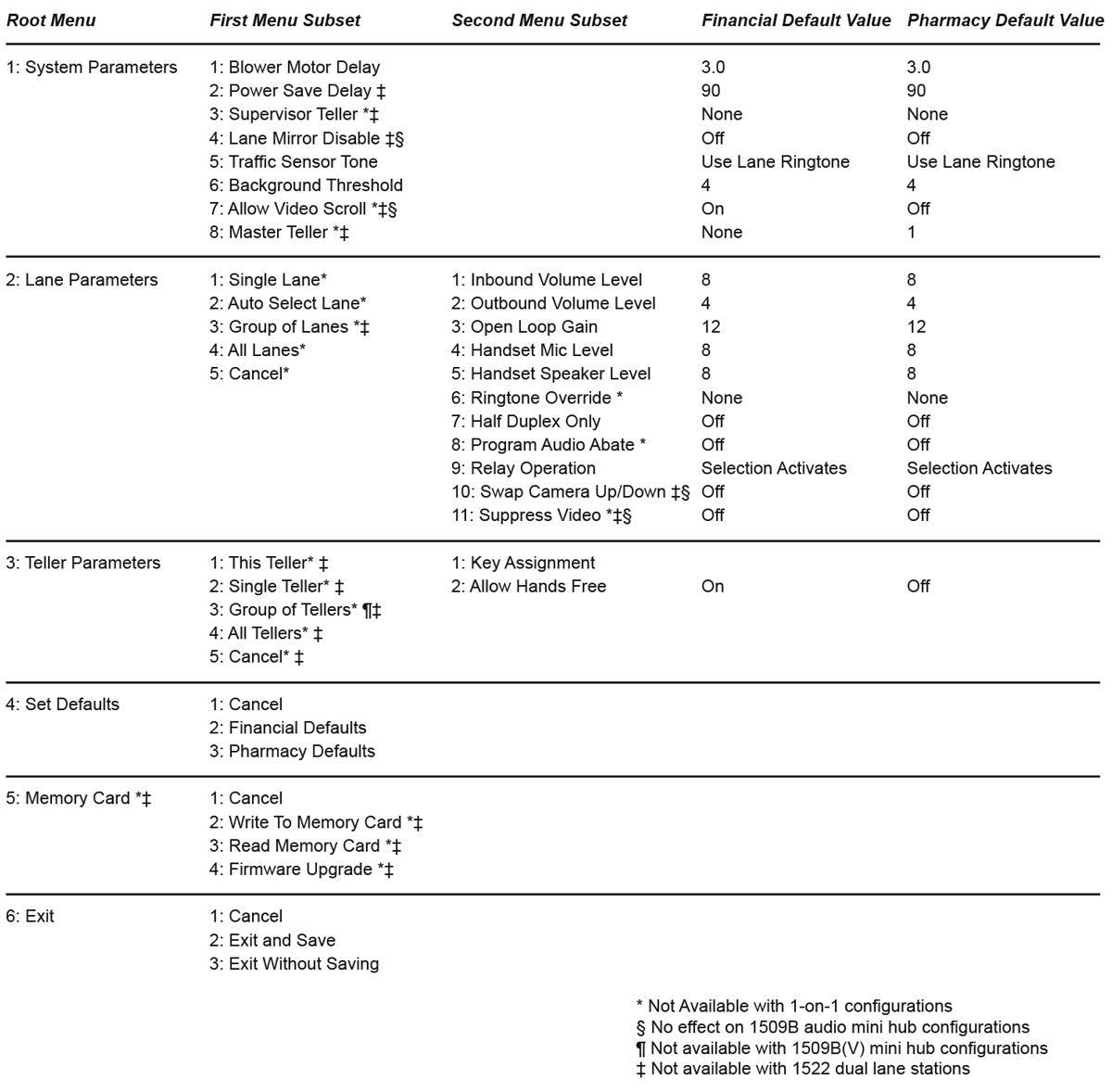
* Firmware update 5.03 is NOT COMPATIBLE WITH 1580 Series. Do not attempt to update 1580.
.
Downloads
- Firmware
- Series 1500 Firmware Update v5.03
 (665.68 KiB) Series 1500 firmware update version 5.03
- Series 1500 Firmware Update v5.03
- Manuals
- Advanced Setup Manual
 490.26 KiB 1550A Field Setup Display Tool Manual
- 1500 Series Manual 1.77 MiB 1500 Series Installers Reference Guide
- Advanced Setup Manual