


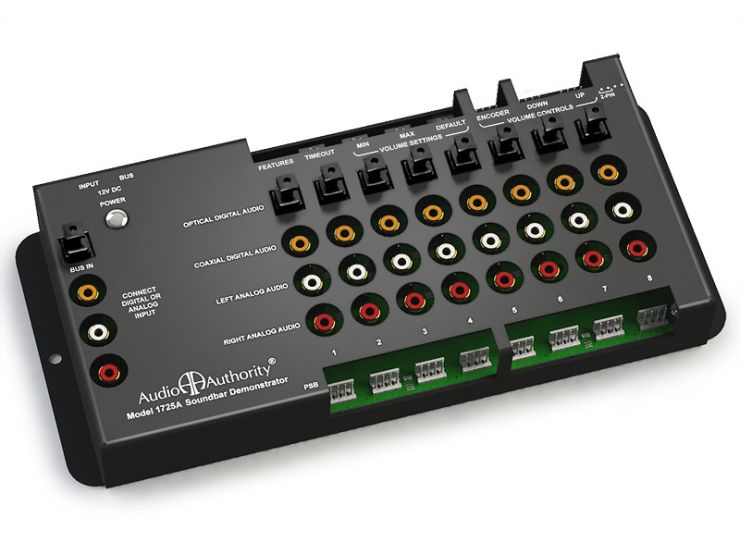
Sound Bar Demonstration System
Model 1725A - DiscontinuedFeatures:
- Demonstrates up to eight sound bars
- Keep-awake prevents sound bars from entering sleep mode
- Durable buttons for volume and product selection
- Source input can be digital (2-CH PCM) or analog audio
- Optical, coaxial, and analog audio available to sound bars
- Optional TV demo mode (toggle between TV sound and sound bar)
Categories: Discontinued
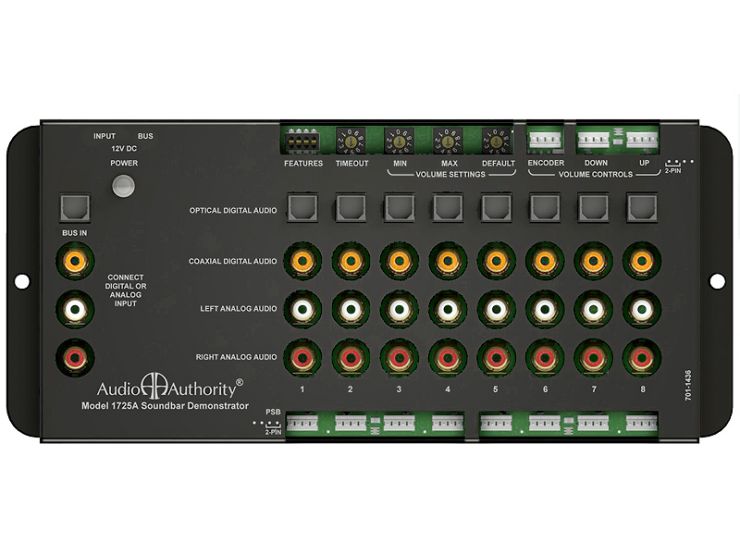
 Front view
- Only one type of input – but it could be optical, coax, or even analog
- Some soundbars “go to sleep” and must wake up for demo
- Soundbars have their own volume controls, making demos less predictable
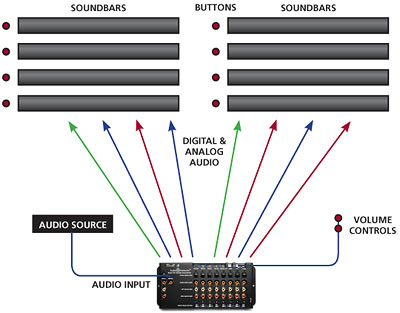
The 1725A provides digital optical, coaxial, and analog audio signals to eight sound bars. Its DSP circuit converts any input signal to the other audio formats, so one input connection is all you need. Add a master volume control so customers can adjust volume between the minimum and maximum settings using up and down buttons or a rotary encoder knob. When activated, master volume returns to the default level after an adjustable idle period.
Q: What source device do you suggest?
A: .For HD video and audio presentations, use a professional media player such as the BrightSign XD series. For audio-only presentations, the Model 1703 music player is ideal.
Q: What is TV Demo Mode?
A: In this mode, the customer presses one button to toggle between the TV speakers and the sound bar and back to the TV. Each sound bar must be paired with a TV.
Q: Can I use 2-pin push-buttons with the 1725A?
A: For the PSB ports (along the bottom of the 1725) use the pins to the right side of each 4-pin port. For volume control buttons, use the left side pins. See the latest user manual below for details.
Q: If I use a master volume control, how can I keep customers from using the sound bar volume controls?
A: You can ask manufacturers to supply demo units that have volume controls disabled, or you can install a clear plastic or wire mesh shield over each sound bar's volume control.
Q: Can I use a Dolby or DTS surround sound (bitstream) audio source to demonstrate sound bars?
A: Not with the 1725A (it passes 2-channel PCM audio only). If bitstream audio is required, use the 956 switch module instead.
Downloads
- Literature
- Focus Sheet
 693.66 KiB Soundbar Demonstrator Focus Sheet
- Focus Sheet
- Manuals
- 1725A User Manual 1.47 MiB Soundbar Demonstrator Manual
- 1725A User Manual
Related Products
- Model 013-100
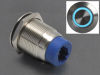
Easy Plug Demo Button (RJ9 Connector) - Model PX-100
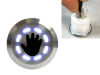
AirSelect Proximity Sensor (RJ9 Connector) - Model GX-100
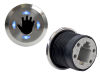
AirSelect Proximity Sensor (RJ9 Connector) - Model 1800
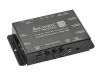
Sound Bar Demonstrator with Lighting Sync - Model 1780
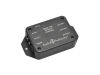
Custom IR Demo Controller - Model 1799
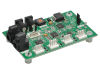
Custom Digital Audio Demo Controller