


Push-Buttons
Choosing a Control Method
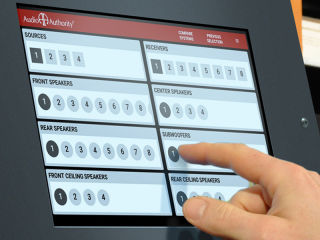
Demonstration systems can be controlled using a touch screen, touch panels, push-buttons next to each product, or a combination of methods. Which one is best? It depends on the products you are demonstrating, and the complexity you need.
Simple Systems
If you are simply selecting one type of product like speakers, use product select buttons, or a small touch panel. If you have a large number of products to select, a touch screen control panel may be the best solution, and most cost-effective as well.
Complex Product Functions
If the user experience requires complex functions, such as play, next track, and volume controls, a touch panel or a touch screen are both great choices.
Multiple Product Types
If your system is complex, including several sources, several amplifiers, and several speaker categories, then a touch screen controller like the 903i Comparator is the right choice. You can use product select buttons, but a 903i will be a better, often more cost-effective, solution.
Push-Buttons
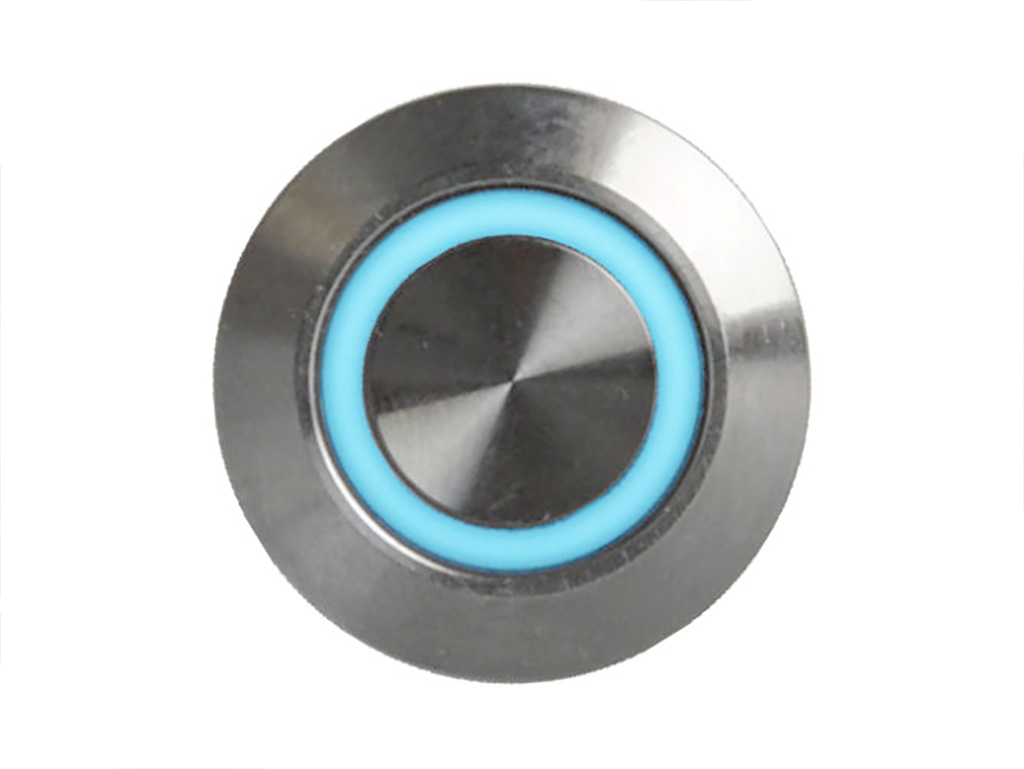
Audio Authority® push-buttons provide an attractive, simple interface for demonstration systems. The LED indicator invites customers to select products and adjust volume or select music tracks. Cables are available in several lengths and styles, including the new RJ9 Easy Plug button harnesses. Ask about button colors including blue, red, green, and white.
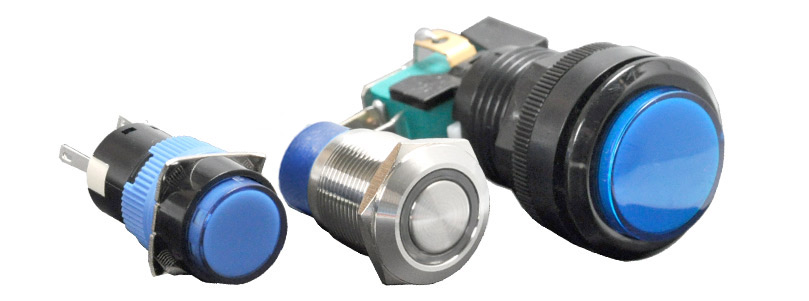
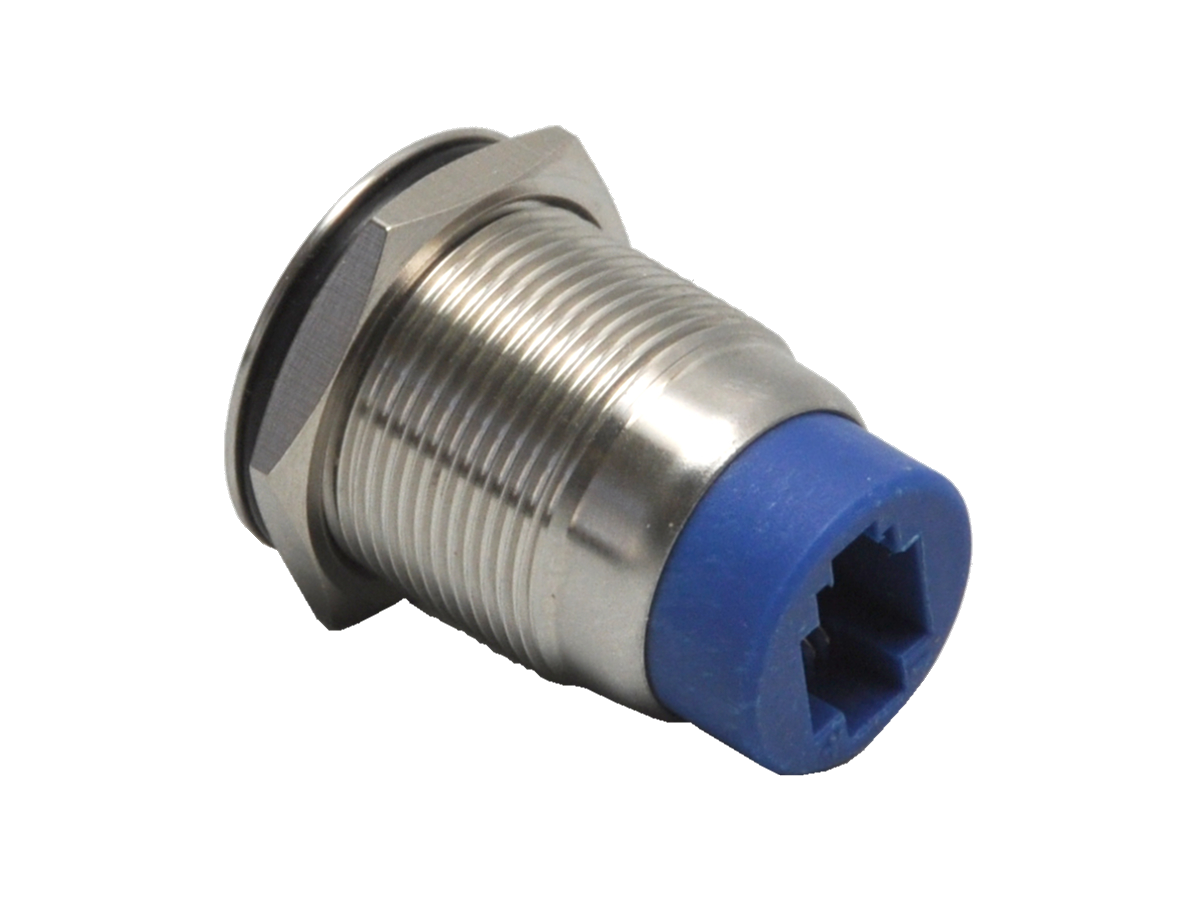
- Easy to plug into button
- Tough stainless steel
- Bright LED illumination
- Available in several colors
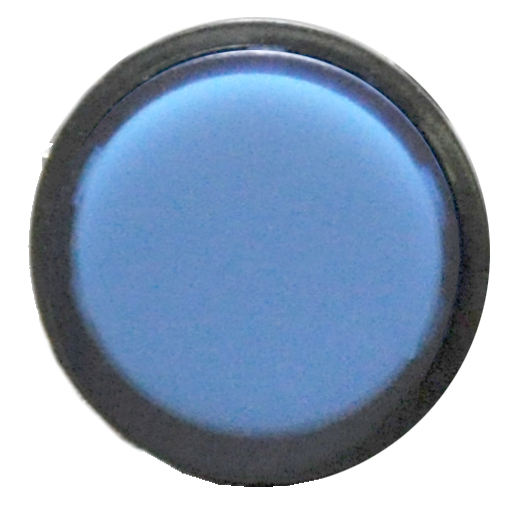
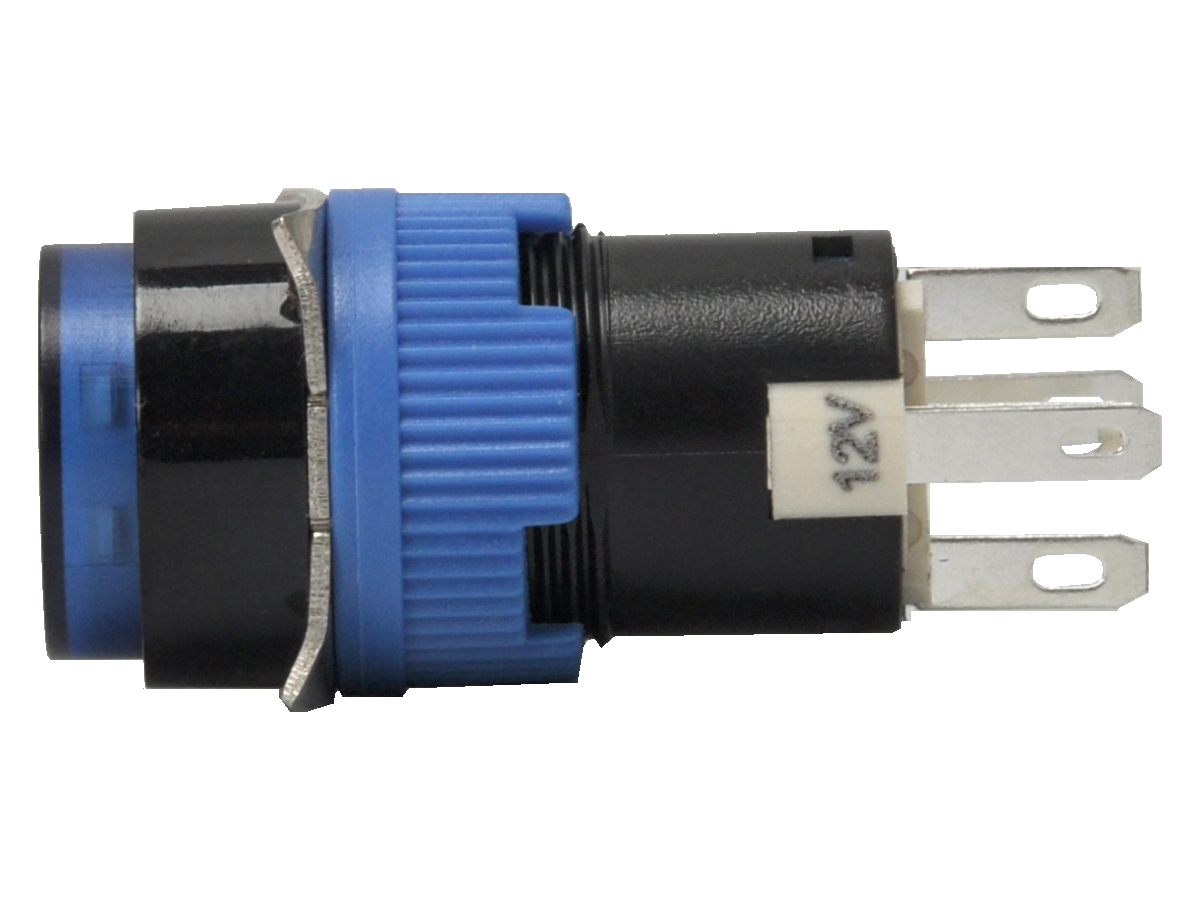
- Small footprint
- Bright LED illumination
- Available in several colors
- Molex disconnect available
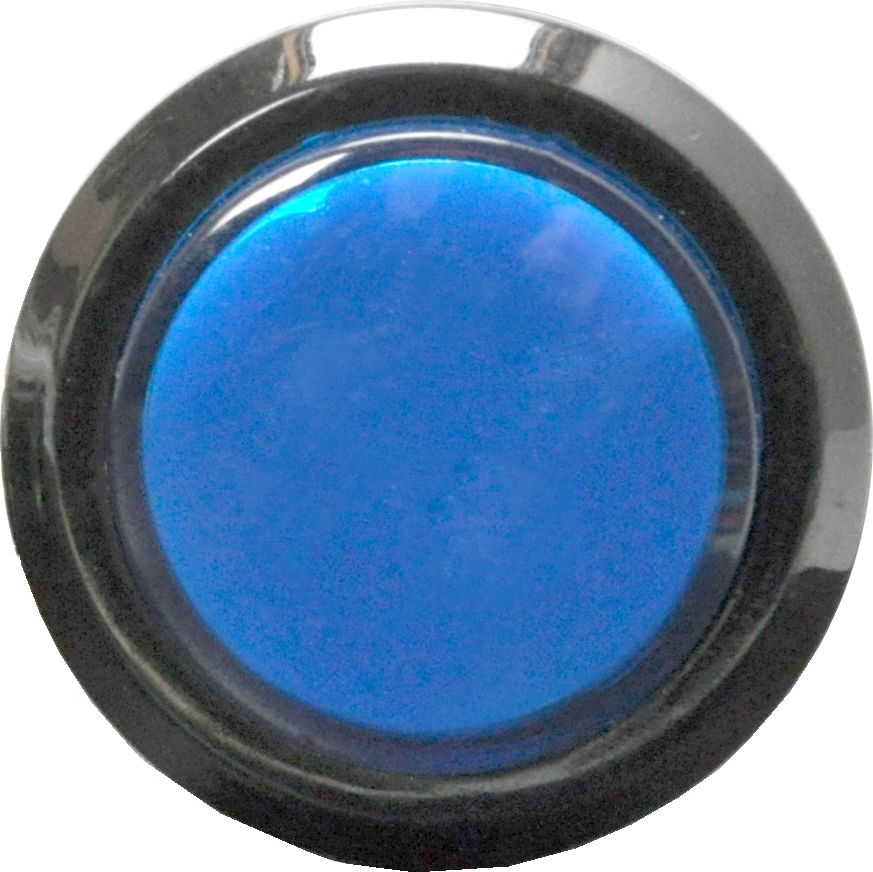
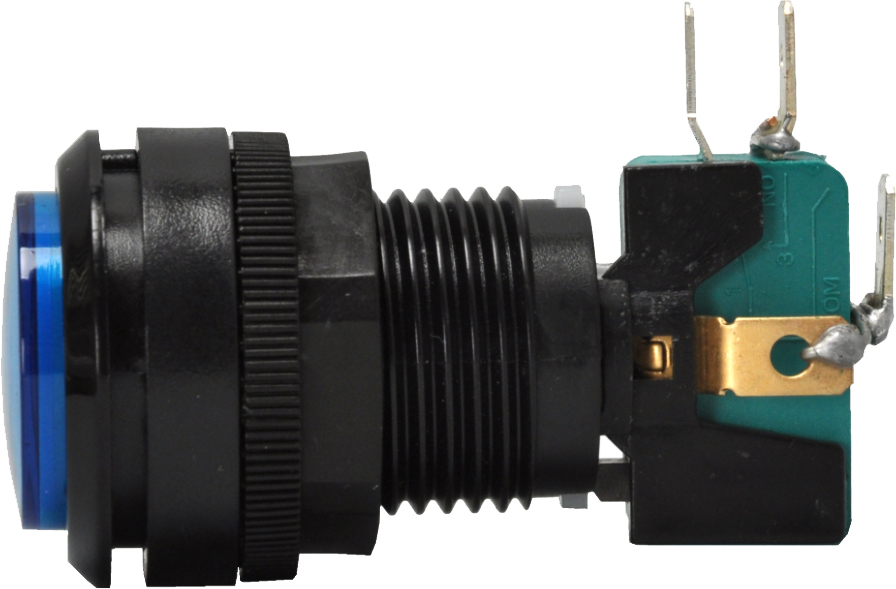
- High visibility
- Bright LED illumination
- Available in several colors
- Molex disconnect available
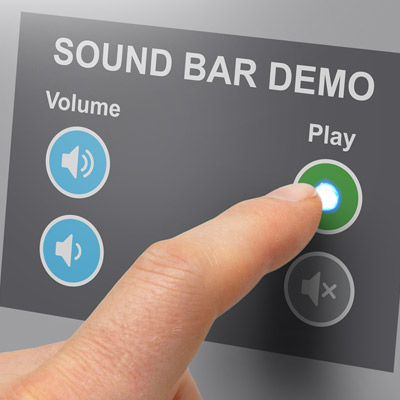
TouchSelect Series
Our TouchSelect series presents an elegant user interface that adapts well to any display or retail interior. Thin panels can be mounted behind a custom overlay designed for your fixture.
How it Works
Any programmable device can receive commands from a TouchSelect panel and respond as programmed. For instance, a media player can be programmed to interpret a signal from a touch position to start a video track, and the same touch can be interpreted by an audio switcher or LED controller to turn on an output. So with one touch, a customer can hear a video clip about a speaker through the speaker they just selected. The possibilities are endless.
Features
- Add control to any device that has a serial port
- USB versions of each TouchSelect panel are available
- Up to 16 panels may be linked together
- Total range is over 300 ft. (USB is limited to 16 ft.)
- Use only the touch locations you need
- Any non-conductive material may be used for a graphic overlay
- Bright blue LEDs shine through many overlay materials
- Each touch location can be used for multiple commands
- Custom touch array available on request